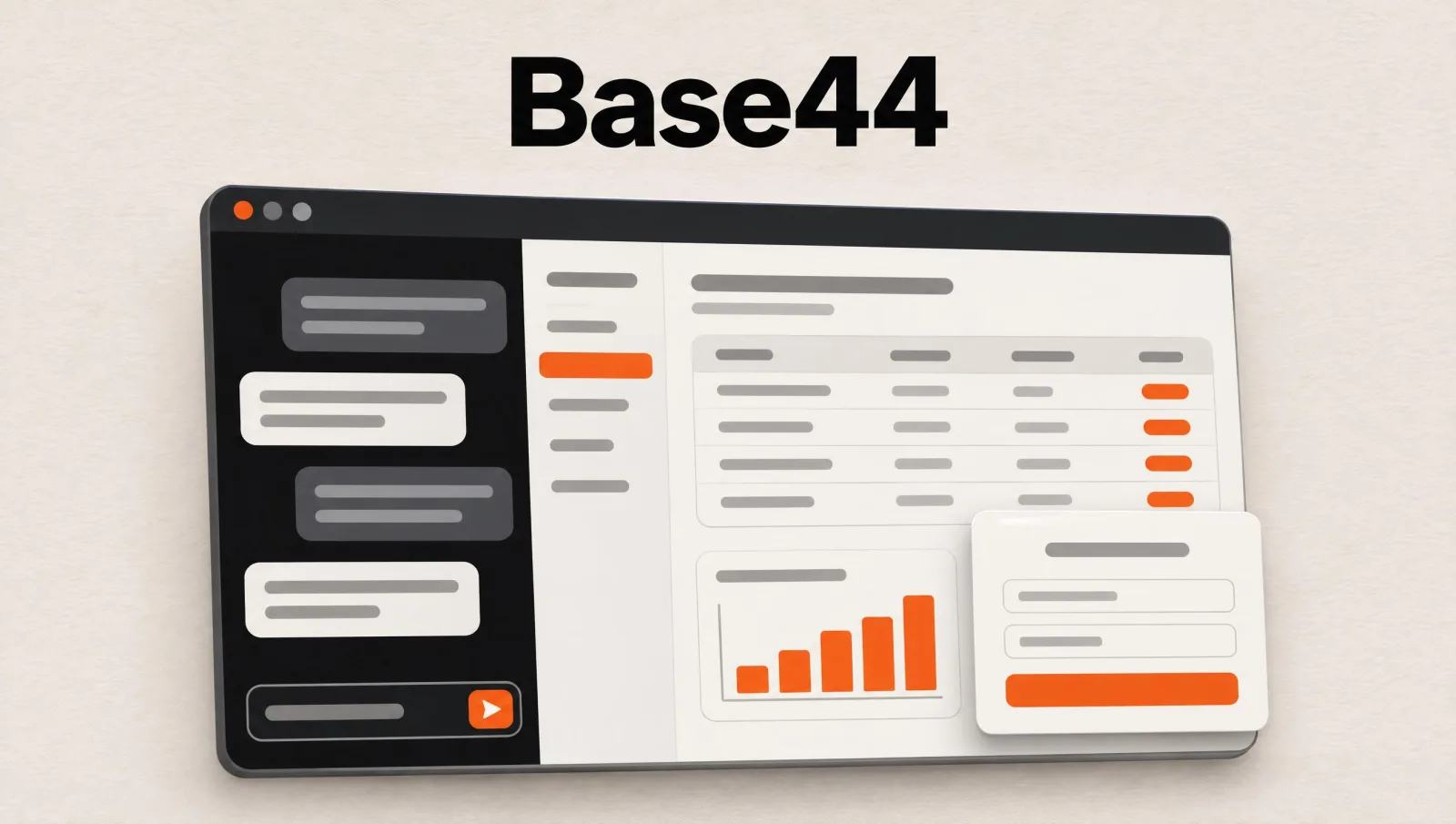
Base44 is an AI app builder: you describe what you want in plain language and it produces a working web app in a short time. The goal isn’t just a nice interface, but also the parts an app can’t do without in real use – user login, a database, integrations and deployment. The platform was acquired by Wix in 2025, which shows how serious this category of tools has become.
How Base44 works
You describe the goal and features, then refine screens, flows and logic through conversation. The platform has getting-started documentation, an AI chat and integrations, so even someone who isn’t an experienced developer can get going fairly quickly.
What you get
- Core infrastructure: login and a database. This is crucial – without it, most ideas never get past the demo stage.
- Integrations for real workflows, for example with services like Salesforce or Notion. Useful for internal tools, dashboards and portals that pull data from existing systems.
- Advanced options in paid plans – code editing, backend functions, choice of AI models, custom domains and GitHub integration. For a more serious project or team work, these can be decisive.
Who Base44 suits best
- Students with projects that need to work, not just look good.
- Freelancers building quick prototypes, admin panels and small client portals.
- Startup teams testing an MVP – login, database and core screens – before investing in custom development.
- Company teams building internal tools, back-office systems, automations and dashboards.
Pricing: watch the credits
Base44 has a free starter plan and paid plans. With tools like this, the most important thing is to watch credits – for messages and for integrations – because intensive iteration and connected services consume more. If you change requirements often, add features and connect external services, usage quickly becomes an important part of the decision.
How to write a prompt that gets better results
- Define the goal: what you’re building, what problem it solves and for whom.
- List about five features: login, creating and editing records, search and filters, roles (admin and user), export or reports.
- Describe the data: which entities exist – for example User, Project, Task, Status.
- Ask for an MVP first: a basic working version without advanced options.
- Iterate specifically: “add an export button”, “change the form”, “validate that the date isn’t in the past”.
Ideas Base44 usually handles easily
- a to-do list or habit tracker with login,
- a lightweight CRM – contacts, companies, statuses,
- appointment booking with confirmations,
- an internal helpdesk or ticketing system,
- a sales or marketing dashboard showing KPIs.
Important: security and data
Platforms that host many apps on shared infrastructure call for extra caution. Before entering sensitive data, think about who has access, what is public and what is private, and whether roles and permissions exist. Test access rights as an attacker would, not just as a user.
When it’s time for custom development
AI tools are excellent for validating an idea. Custom development makes sense once the app becomes part of daily operations: when you need complex rules and roles, integrations with accounting or ERP, a mobile app, full control over data and servers, and performance that doesn’t depend on credits. At that point, a Base44 MVP becomes an excellent specification – you can see exactly what works and what doesn’t.
Conclusion
Base44 is a good choice if you want to build a web app quickly with AI and still end up with something usable: login, a database, integrations and options for more serious work. Go step by step – MVP, then iterations, then integrations, then deployment – and you can quickly reach an app that makes sense in real use.
When your prototype outgrows the tool, we’re here for custom business systems and mobile apps.