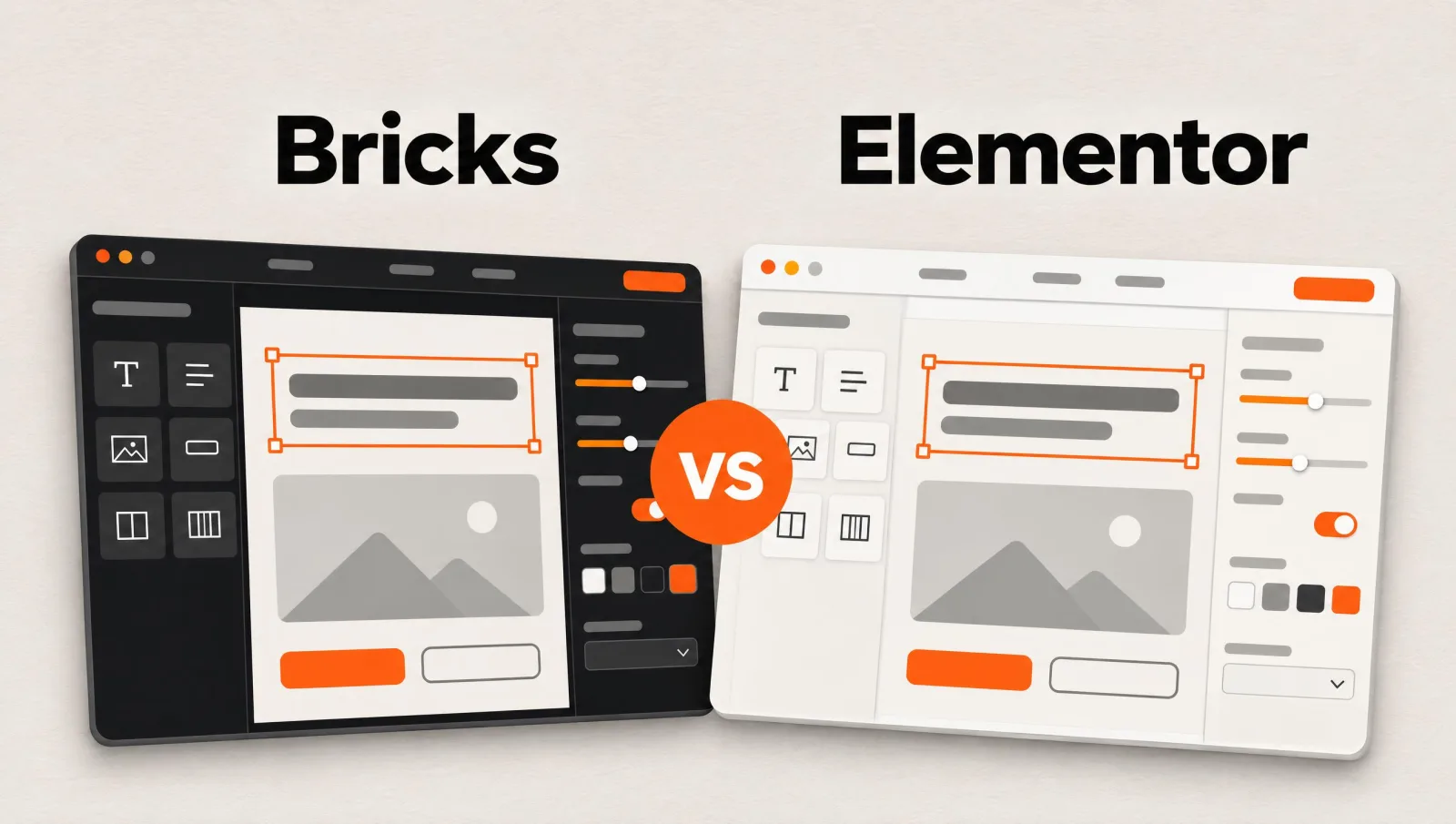
When building a WordPress site, the most common dilemma is between two builders. Elementor brings a huge ecosystem, ease of use and add-ons for almost everything. Bricks focuses on performance, cleaner code and a systematic workflow. Both can produce an excellent website, but they get there by different routes and with different trade-offs. We compare them on three topics: speed, code quality and workflow.
1. Speed and Core Web Vitals
Bricks: the edge in raw performance
Bricks is chosen when you want good results with little tuning, minimal code overhead and solid Core Web Vitals without extra tricks. At its core are modern layout tools (flexbox and grid), global styles and a class system, which lead to a cleaner page structure.
Elementor: much better than before, but setup-dependent
Elementor has put serious work into performance in recent years. The optimized DOM output option reduces the number of wrapper elements in the HTML, and flexbox- and grid-based containers produce significantly less code than the old sections and columns.
In practice: for the best performance with the least tuning, Bricks is usually the better choice. Elementor can be fast, but in practice that depends on the theme, add-ons, widgets, animations and optimization settings.
2. Code cleanliness and bloat
This is the most sensitive part, because code quality also depends on how pages are built. The general trend:
- Elementor historically had more wrappers around elements, so its newer optimizations focus on a smaller DOM and smarter asset loading.
- Bricks gives developers more control – classes, global styles, grid and flex – which usually produces cleaner structures in a systematic workflow.
Rule of thumb: for a 10–20 page marketing site that needs to be fast and clean, Bricks is often the easier route. If you need lots of ready-made widgets and one-click integrations, Elementor still leads in ecosystem – but watch the bloat: the fewer add-ons, the better.
3. Workflow: global styles, templates and larger sites
Bricks
The emphasis is on a CSS class system, global color palettes, typography and templates. It’s an excellent workflow for consistent design and easy maintenance: one change applies everywhere, styles drift less, and multiple sites are maintained faster.
Elementor
It’s faster for beginners thanks to ready-made templates and widgets, a vast number of tutorials and add-ons. On larger projects, success depends on discipline: global settings, the theme builder and control over widgets and add-ons.
4. Who each one suits best
Beginners and a first serious website
Elementor tends to pay off at the start – it’s easier to get into and has the most ready-made solutions. With good optimization it can deliver excellent results, but avoid going overboard with add-ons. Bricks may be the better choice if you’re willing to learn a proper, systematic approach from the start.
Developers, agencies and anyone running multiple sites
Bricks usually wins in the long run: the class system, global styles, templates and clean output mean faster work and easier maintenance.
Licensing and cost over time
Elementor Pro is paid through an annual subscription. At the time of writing, Bricks offers both annual and lifetime licenses that include future updates. If you run multiple projects and don’t want ongoing subscriptions, that can be decisive – check the current terms on the official websites.
Quick pick
- Bricks, if your priorities are performance, clean code, a systematic workflow and long-term maintenance.
- Elementor, if your priorities are a fast start, the most ready-made solutions and the biggest ecosystem – with the right settings it can be fast too.
For a broader comparison including Gutenberg, read how to choose without picking sides. And if you need a fast website with no compromise on design – we’re here for website development.